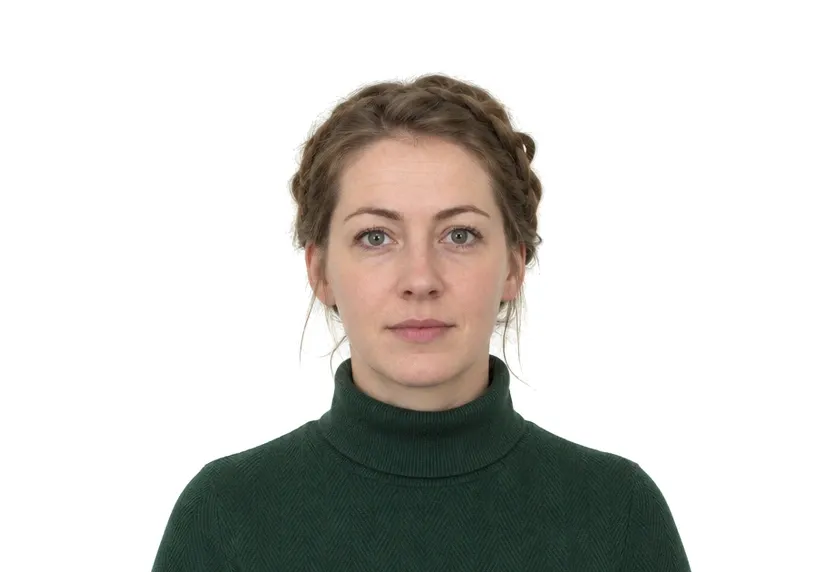
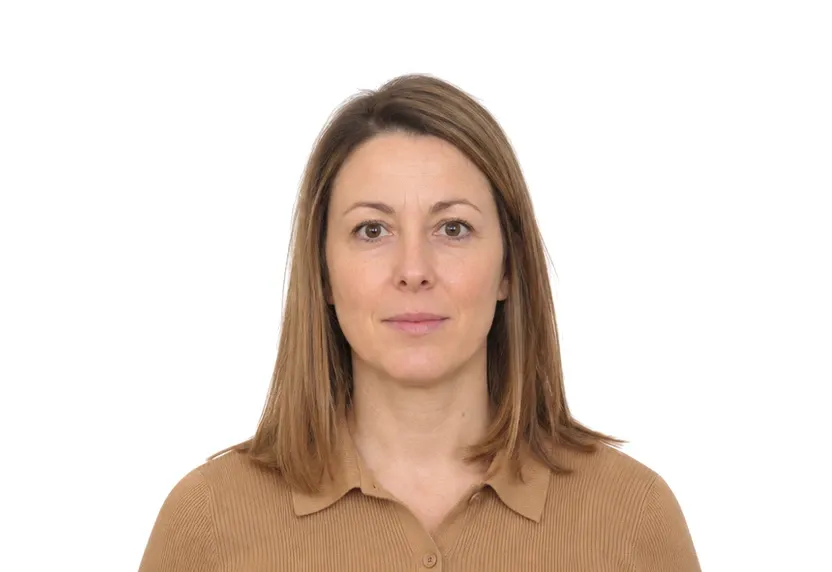
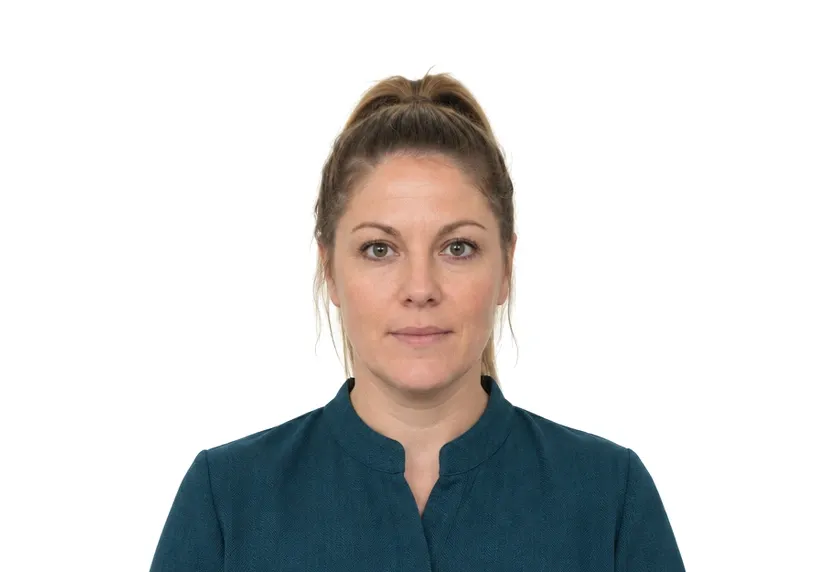
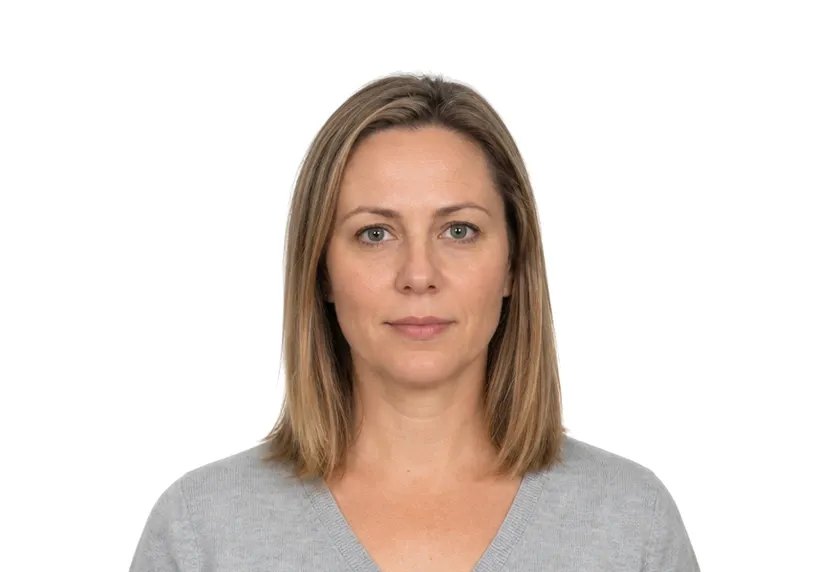
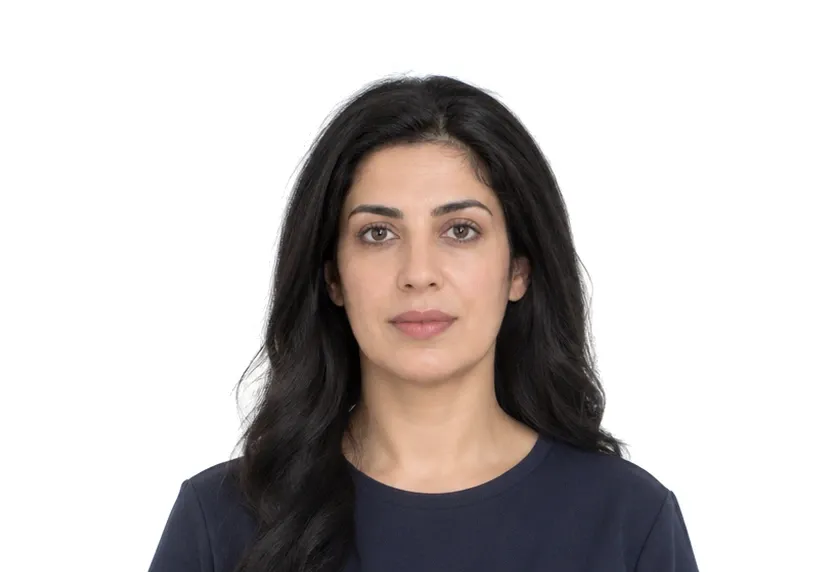
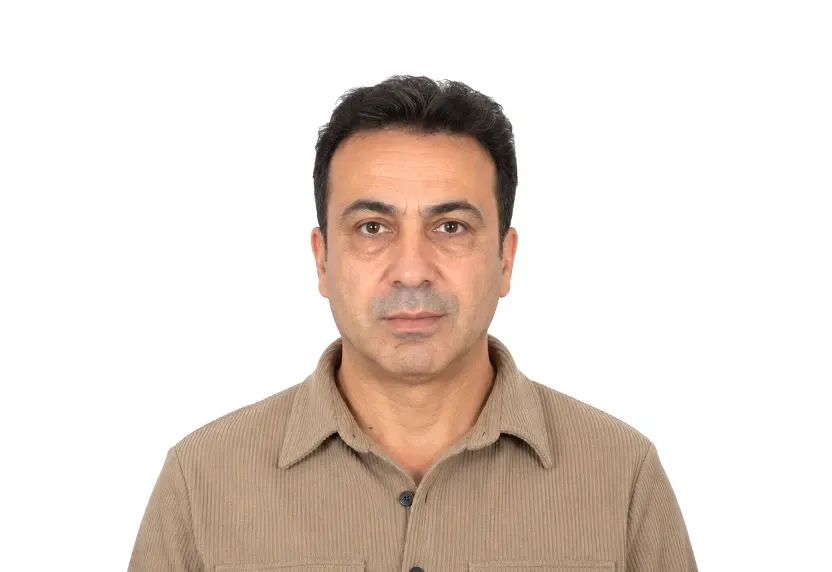
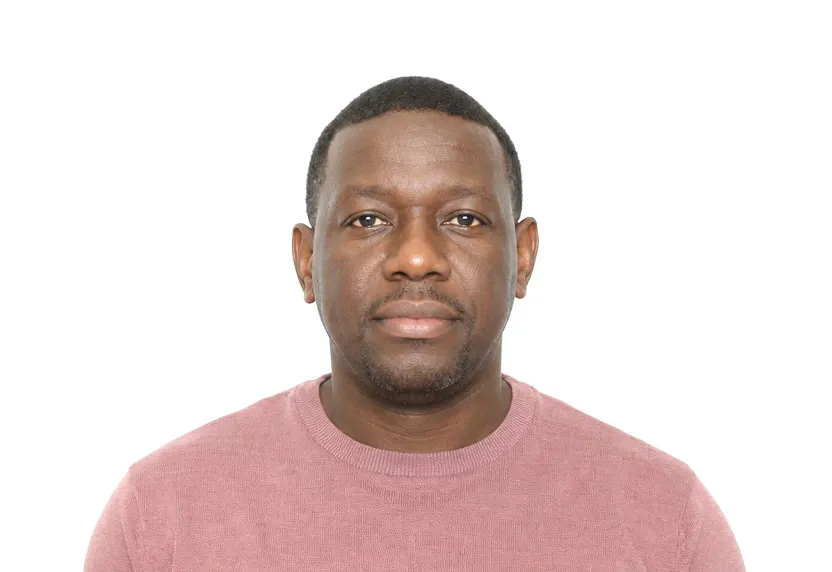
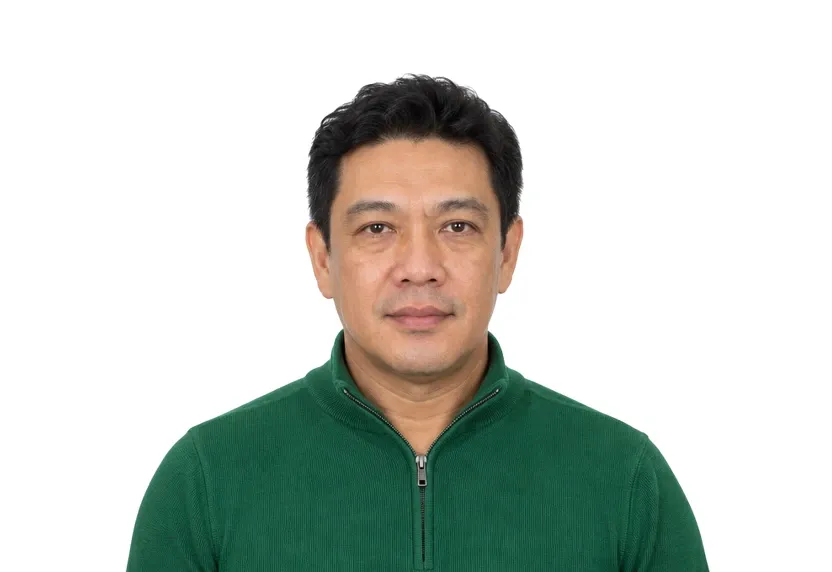
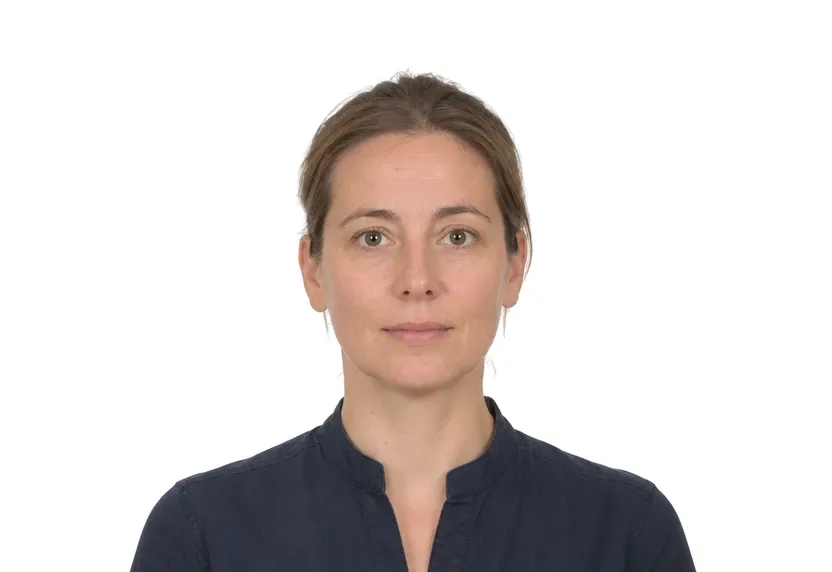
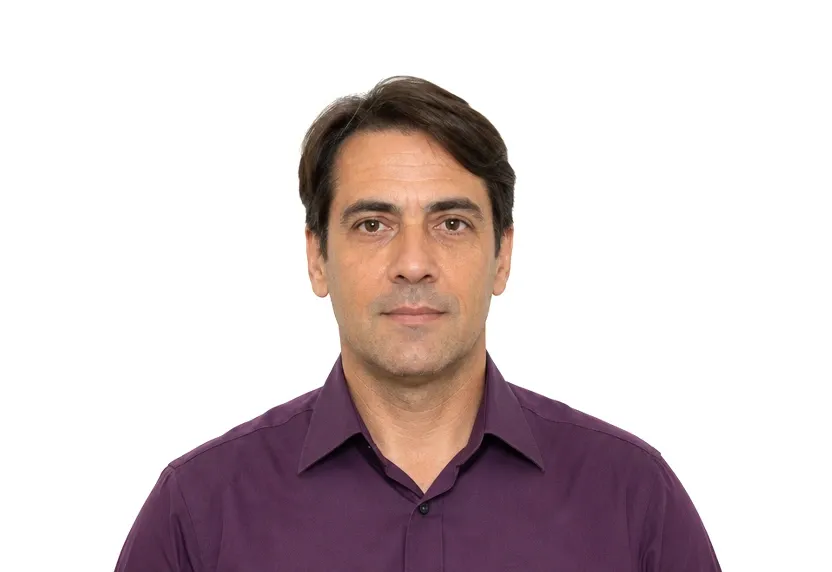
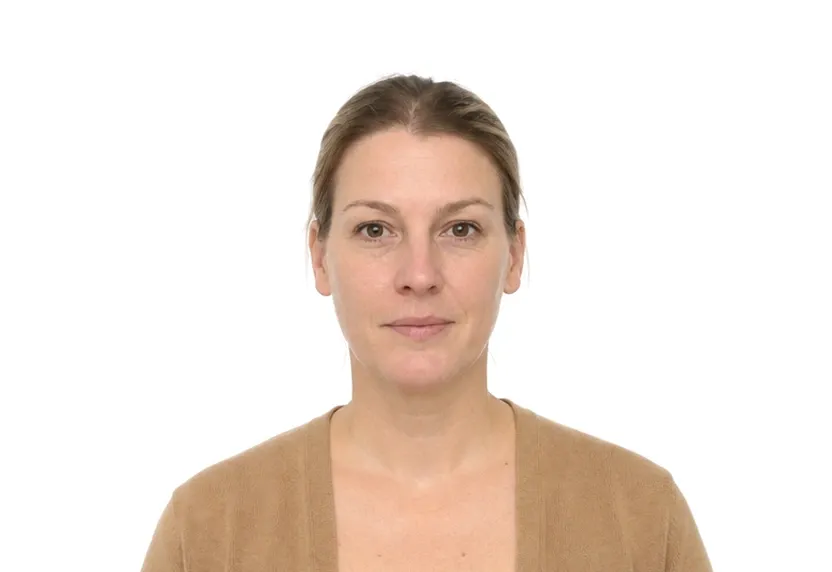
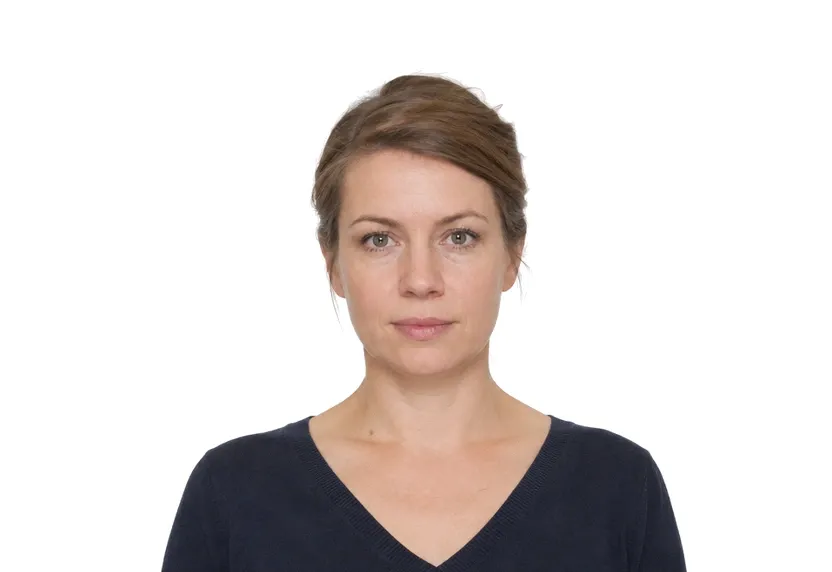
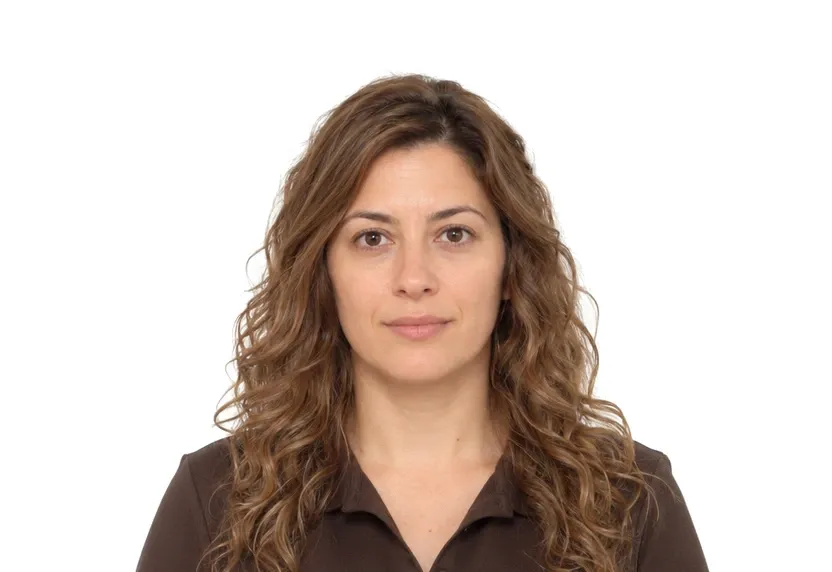
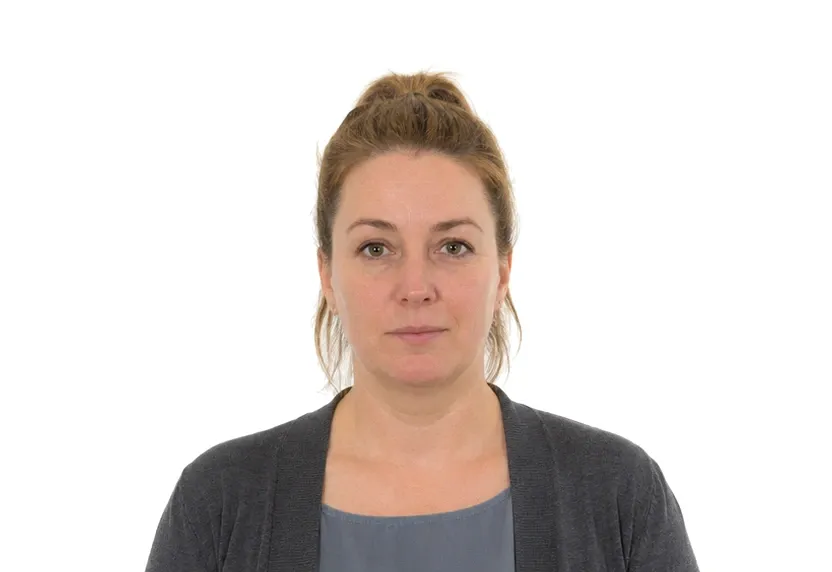
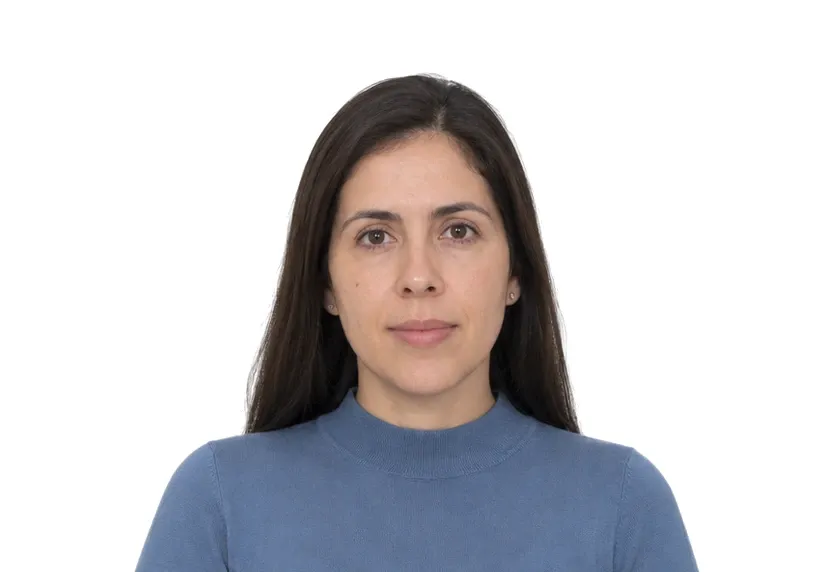
Visa photo requirements

21 visa photo types — check the exact size and background, then make yours from a selfie.

200% acceptance rate AI compliance check Photos auto-deleted in 24h
Chinese Visa Photo

Chinese Visa Photo

33 × 48 mm390 × 567 pxWhite
Japan Visa Photo

Japan Visa Photo

45 × 45 mm531 × 531 pxWhite
South Korea Visa Photo

South Korea Visa Photo

35 × 45 mm413 × 531 pxWhite
Schengen Visa Photo

Schengen Visa Photo

35 × 45 mm413 × 531 pxWhite or light grey
US Visa Photo

US Visa Photo

51 × 51 mm602 × 602 pxWhite
UK Visa Photo

UK Visa Photo

35 × 45 mm413 × 531 pxWhite or light grey
Canada Visa Photo

Canada Visa Photo

35 × 45 mm413 × 531 pxWhite
Australia Visa Photo

Australia Visa Photo

35 × 45 mm413 × 531 pxWhite
India Visa Photo

India Visa Photo

51 × 51 mm602 × 602 pxWhite
Singapore Visa Photo

Singapore Visa Photo

35 × 45 mm413 × 531 pxWhite
Thailand Visa Photo

Thailand Visa Photo

35 × 45 mm413 × 531 pxWhite
Vietnam Visa Photo

Vietnam Visa Photo

51 × 51 mm602 × 602 pxWhite
UAE Visa Photo

UAE Visa Photo

35 × 45 mm413 × 531 pxWhite
Turkey Visa Photo

Turkey Visa Photo

50 × 60 mm591 × 709 pxWhite
Russia Visa Photo

Russia Visa Photo

35 × 45 mm413 × 531 pxWhite
New Zealand Visa Photo

New Zealand Visa Photo

35 × 45 mm413 × 531 pxWhite
Philippines Visa Photo

Philippines Visa Photo

35 × 45 mm413 × 531 pxWhite
Brazil Visa Photo

Brazil Visa Photo

35 × 45 mm413 × 531 pxWhite
Malaysia Visa Photo

Malaysia Visa Photo

35 × 50 mm413 × 591 pxWhite
South Africa Visa Photo

South Africa Visa Photo

35 × 45 mm413 × 531 pxWhite

Photo tips

Take one good selfie — it works for every document type.

Face a windowEven, front lighting removes face shadows — the #1 rejection reason.

Plain backgroundAny light plain wall works; the tool replaces it with the compliant color.
Look straightHead level, eyes into the lens, shoulders square to the camera.
Neutral faceMouth closed, both eyes open unless your document allows a smile.
Mind the glasses ruleSome documents do not allow glasses — check the requirements table.
Everyday clothesDark top over white is easiest; avoid uniforms and hats.

Frequently asked questions

Can I take my passport photo with a phone?

Yes. Any smartphone camera from the last few years is enough — face a window for even light and keep your head level. The tool handles cropping, sizing and the background automatically.

Do I need a white background?

No. Shoot against any plain, light-colored wall. The tool replaces the background with the exact color your document requires — white, off-white or light blue.

How do you make sure my photo is accepted?

Every photo is checked against the official requirements for your document — size, head position, eye line and background — to a 200% acceptance standard.

What files do I get?

A digital file at the exact pixel dimensions required for online submission, plus a 300 DPI print-ready template for photo printers and drugstores.

Is my photo private?

Yes. Uploaded photos are encrypted in transit and automatically deleted within 24 hours. We never share or resell uploads.