Australia Passport & Visa Photos
We support 3 document photo types for Australia. Pick your document, upload a selfie, get a compliant file in under a minute.

All 3 document types we support
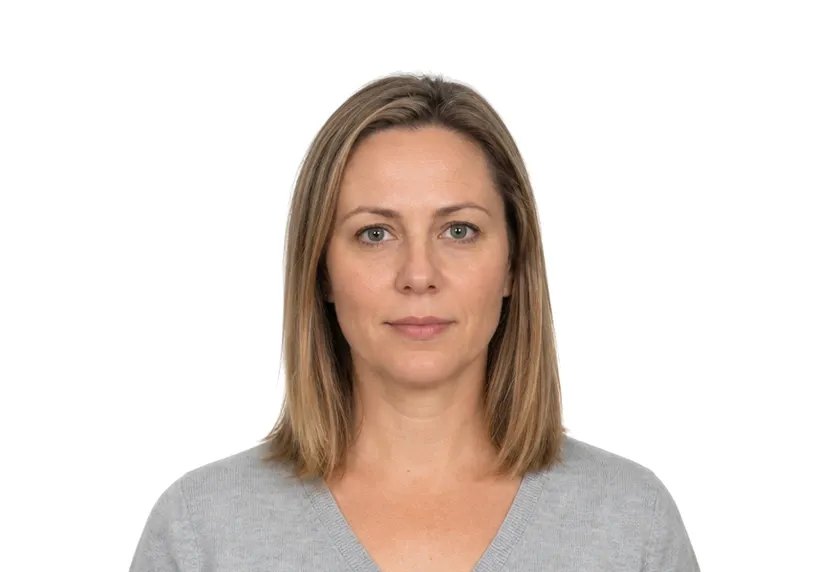
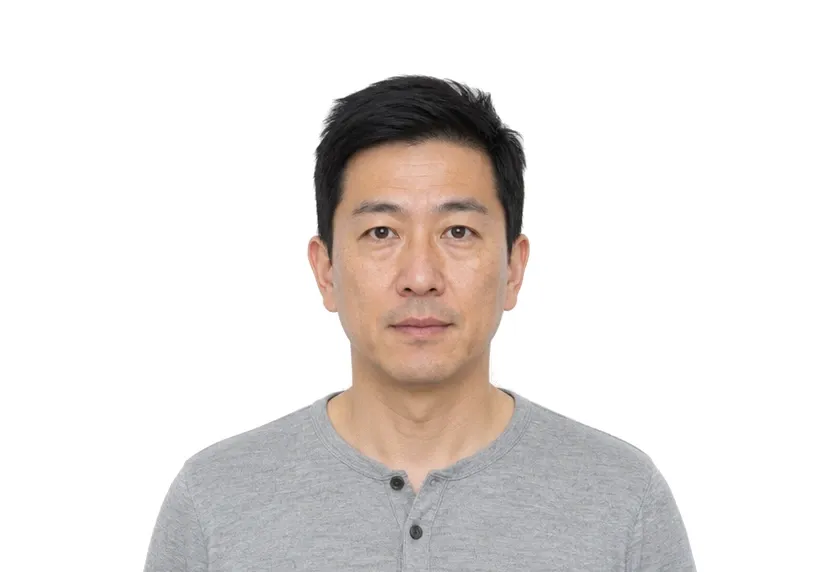
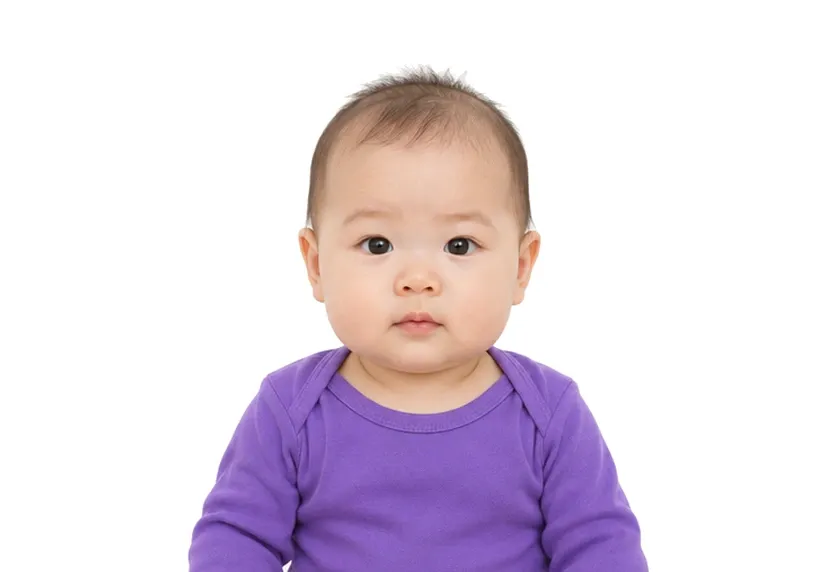
Australia photo requirements at a glance
Australia document photos
| Document | Printed size | Digital size | Background |
|---|---|---|---|
| Australia Visa Photo | 35 × 45 mm | 413 × 531 px | White |
| Australia Passport Photo | 35 × 45 mm | 413 × 531 px | White |
| Australian Baby Passport Photo | 35 × 45 mm | 413 × 531 px | White |
About photo requirements in Australia
Australian visa and passport photographs both use the 35×45mm print standard. The Department of Home Affairs framing rules apply to both: plain background, full face centre of frame, and no glare on glasses.
The Australian pages below list every document type we process with its exact size and background. The studio matches each specification from a single photo.
How to take Australia document photos with your phone
Australian passport and visa photo size
The Australian passport and the visa use the same photo specification, delivered here as a 35×45 mm print. Officially the print may stand 45-50 mm tall, and the face height is fixed at 32-36 mm from chin to crown. One framing produces a file that serves both applications. The paperwork around the photo differs between the counters, but the photo remains the same.
Photo rules in Australia
Australia is at the demanding end of the rules on this site. Glasses must be removed unless there is a medical reason to keep them. Retouched or filtered files are refused by name. An expression that drifts from neutral — a smile, a frown — fails. The mouth must be closed, eyes on the lens, hair off the face.
Lighting and background setup
The setup is half a metre from a plain wall, phone at eye level, and window light on the face. Off-white paint and shadows read as non-compliant backgrounds. Red-eye from a flash fails the same way glare on a lens does, so daylight remains the reliable setup.
Why Australia document photos get rejected
Measurement failures
A face under 32 mm or over 36 mm, a print taller than the 45-50 mm window, or a head that sits off-centre: both counters measure these first. A clean background does not compensate.
Background and tint problems
Tinted or shadowed walls, a gradient from a window beside you, or a colour cast from indoor bulbs: the plain-background check fails them all, on the passport route and the visa route alike.
Common causes of file delays
Heavy editing that changes how you look, tinted lenses, hair across the face, and an expression drifting from neutral. None of these announces itself at upload; every one of them stalls the file at review.
How it works
Photo tips
Take one good selfie — it works for every document type.