South Africa Passport & Visa Photos
We support 1 document photo type for South Africa. Pick your document, upload a selfie, get a compliant file in under a minute.

All 1 document type we support
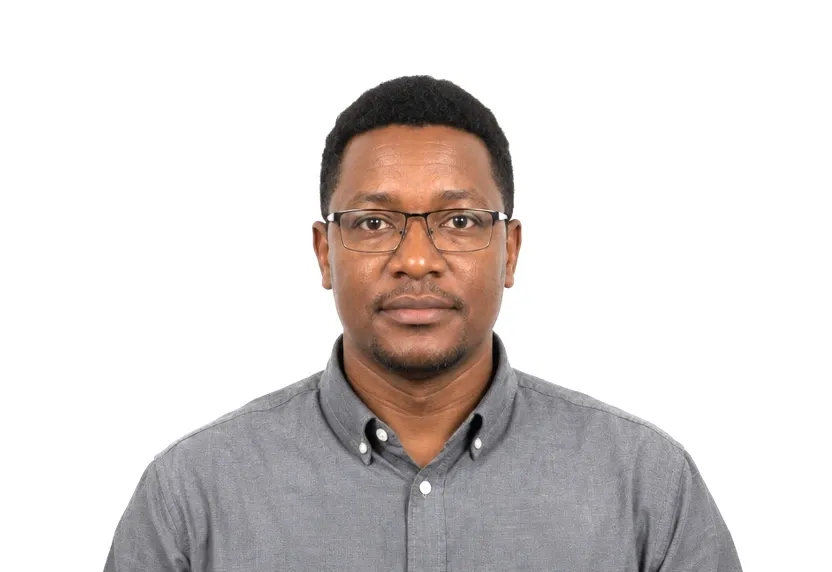
South Africa photo requirements at a glance
South Africa document photos
| Document | Printed size | Digital size | Background |
|---|---|---|---|
| South Africa Visa Photo | 35 × 45 mm | 413 × 531 px | White |
About photo requirements in South Africa
South African visa photos follow the 35×45mm standard, full face on a plain background, submitted with the application.
The South African page below carries the size and framing rules with the official source cited. The studio produces a matching file.
How to take South Africa document photos with your phone
South Africa visa photo format
South Africa appears on this site with a single document, the visa. The visa uses the standard 35×45 mm rectangle on white. There is no second format to check against and no local variation to remember.
Standard photo requirements
The 35×45 mm frame has the head centred on a plain background with frontal light and a neutral face. These are the same habits that apply worldwide.
How to shoot the photo
Use a plain wall, daylight on the face, and the phone at eye level. The crop is the only local decision; everything else follows the shared standard.
Why South Africa document photos get rejected
Photo trim failures
A print trimmed off 35×45 mm fails at the counter before any detail is read; the shape is the local specification.
Common photo faults
Shadows, gradients, off-white walls, and tilted heads are refused, as they are everywhere else.
Retouching and filters
Retouched files and heavy filters are also refused; the small system leaves no room for negotiation.
How it works
Photo tips
Take one good selfie — it works for every document type.