UAE Passport & Visa Photos
We support 2 document photo types for United Arab Emirates. Pick your document, upload a selfie, get a compliant file in under a minute.

All 2 document types we support
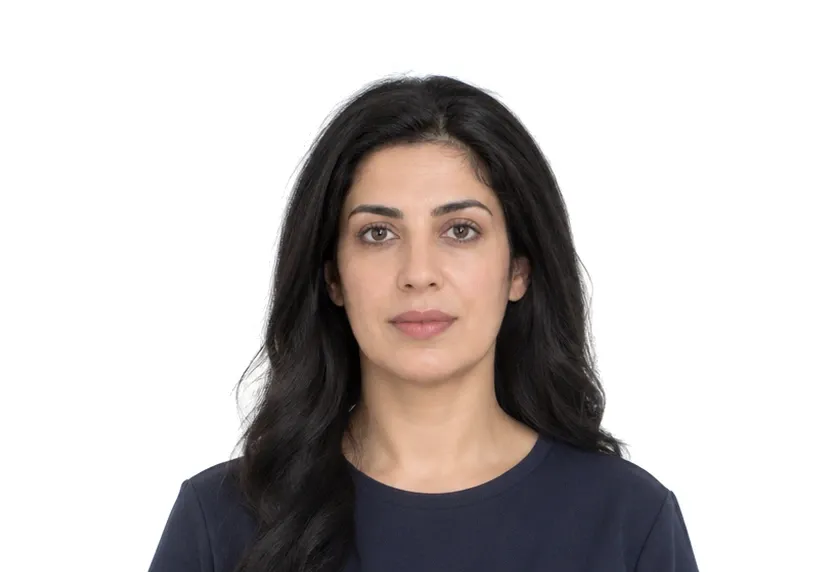
UAE photo requirements at a glance
United Arab Emirates document photos
| Document | Printed size | Digital size | Background |
|---|---|---|---|
| UAE Visa Photo | 35 × 45 mm | 413 × 531 px | White |
| UAE Passport Photo | 35 × 45 mm | 413 × 531 px | White |
About photo requirements in United Arab Emirates
The UAE sets one photo standard across its visa channels: 35×45mm, set out by the ICP (Federal Authority for Identity and Citizenship) for both residence and visit visas. The online application flow also accepts a digital file, and the digital version follows the same framing as the print.
This page collects the UAE document types the studio supports. Every detail page cites the official source behind its size and background values, and the studio crops and prepares your photo to that exact standard.
How to take United Arab Emirates document photos with your phone
United Arab Emirates photo rules
The United Arab Emirates publishes its photo rules as the ICAO template. The photo is 35×45 mm, with a white background, and the face takes up 70 to 80 per cent of the frame. Passport and visa routes use the same numbers.
Passport and visa photo size
Passport and visa photos use the identical rectangle and identical proportional band, so one carefully framed session covers the Emirati set.
Shooting conditions
Use a plain white wall, frontal light, a neutral face, and a centred head. In desert sun, bounce the light through a window rather than fire it on-camera.
Why United Arab Emirates document photos get rejected
Face size and print dimensions
A face under 70 per cent or over 80, or a print off 35×45 mm, is rejected. The two numbers on the page are the two numbers checked.
Background faults
The white-background clause reads shadows, gradients, and off-white paint as faults, as it does everywhere the template has landed.
Unnamed issues
Tilted heads, glare on glasses, and retouched files are unnamed in the page. They are caught in the reading.
How it works
Photo tips
Take one good selfie — it works for every document type.