Passport & visa photos, compliant in seconds
Pick your document, upload a selfie, get a file that meets the official requirements.

Most popular documents
The documents people make most — pick yours, upload a selfie, get a compliant file in under a minute.


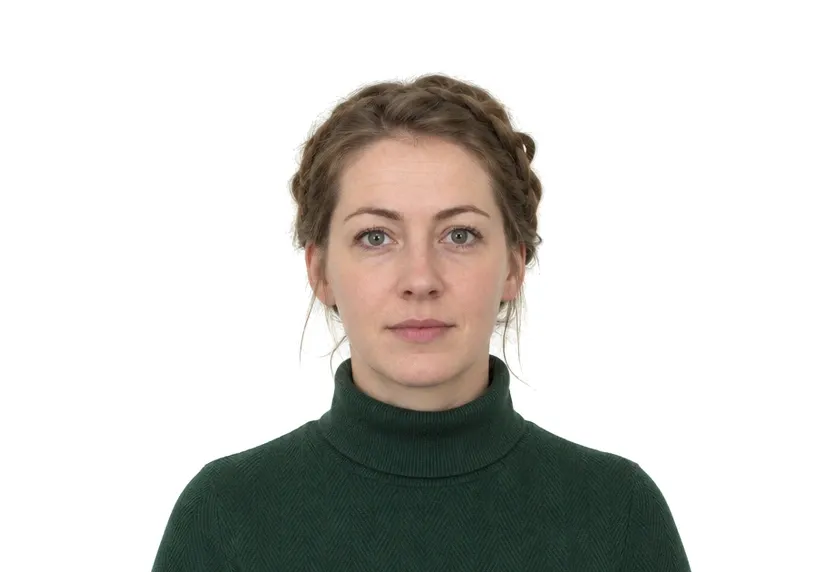


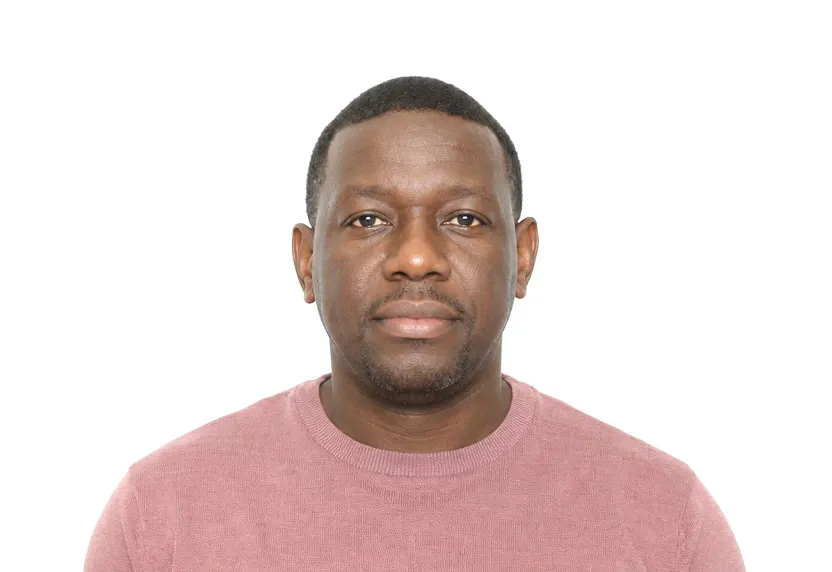
How it works
One tool, every document type
From visa photos to LinkedIn headshots — start from a category.
37 countries & regions
Universal sizes
Photo tips
Take one good selfie — it works for every document type.
Frequently asked questions
Can I take my passport photo with a phone?
Yes. Any smartphone camera from the last few years is enough — face a window for even light and keep your head level. The tool handles cropping, sizing and the background automatically.
Do I need a white background?
No. Shoot against any plain, light-colored wall. The tool replaces the background with the exact color your document requires — white, off-white or light blue.
How is my photo checked?
Every photo is checked against the official requirements for your document — size, head position, eye line and background. Final acceptance is always decided by the issuing authority.
What files do I get?
A digital file at the exact pixel dimensions required for online submission, plus a 300 DPI print-ready template for photo printers and drugstores.
Is my photo private?
Yes. Uploaded photos are encrypted in transit and automatically deleted within 24 hours. We never share or resell uploads.
Your compliant photo is one selfie away
Free preview before payment — see the result first.
Upload photo