Hong Kong SAR Passport & Visa Photos
We support 2 document photo types for Hong Kong SAR. Pick your document, upload a selfie, get a compliant file in under a minute.

All 2 document types we support
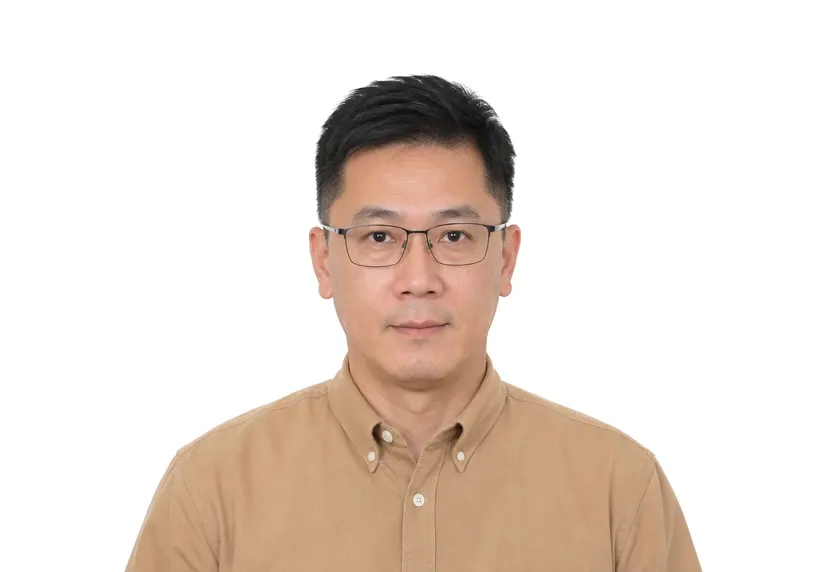
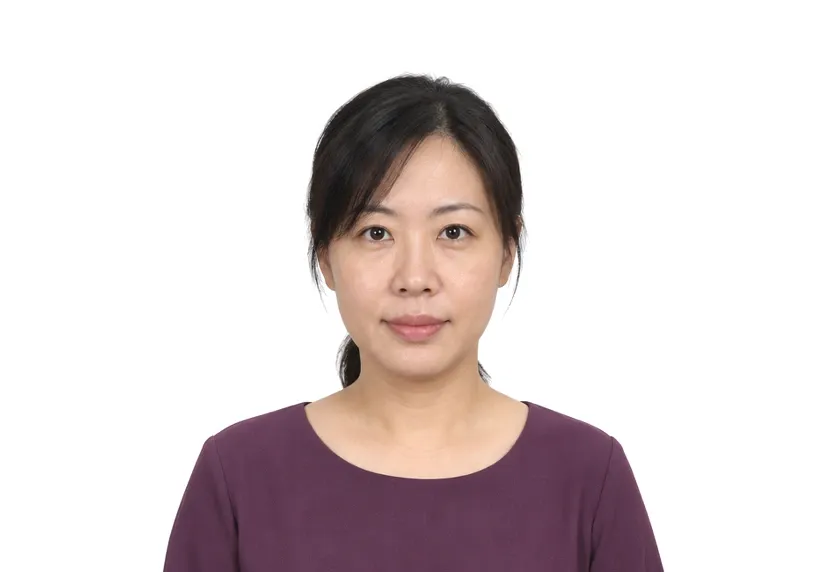
Hong Kong SAR photo requirements at a glance
Hong Kong SAR document photos
| Document | Printed size | Digital size | Background |
|---|---|---|---|
| Hong Kong Passport Photo | 40 × 50 mm | 472 × 591 px | White |
| Hong Kong Visa Photo | 40 × 50 mm | 472 × 591 px | White |
About photo requirements in Hong Kong SAR
Hong Kong passport photos use the 40×50mm print format, with the head centred and a plain background behind the shoulders.
The Hong Kong page below lists the document types we support with exact sizes. The studio cuts your photo to the 40×50mm standard from a single upload.
How to take Hong Kong SAR document photos with your phone
Photo size range and passport size
The Hong Kong visa form gives a range: the photo must be no larger than 45×55 mm and no smaller than 40×50 mm. The passport uses one size, 40×50 mm, at the lower edge of that range, so a photo cut to the passport standard also passes the visa.
Head height and frame size
On the passport, the head runs 32-36 mm from chin to crown, with a little headroom above the hair, on a plain white background. The 40×50 mm frame is wider and taller than the 35×45 mm print most of Asia uses, so a photo cut for another country rarely transfers.
Taking the photo
Use a plain wall and frontal daylight. Hold the phone at eye level, with the head centred and space above the hair. Grey whites and sun-faded patches read as non-plain at the counter, so even light matters more than the camera.
Why Hong Kong SAR document photos get rejected
Outside the size range
A photo larger than 45×55 mm or smaller than 40×50 mm fails the visa form on size; on the passport, a head outside 32-36 mm fails on measure. Both are checked before the file is read.
Background plainness failures
Grey walls, shadows behind the shoulders, and gradients across the background are caught by the plainness check. They account for most returns on both Hong Kong documents.
Retouching, glare and head tilt
Heavy retouching, glare on glasses, and tilted heads are faults no ruler catches. They are judged by eye on the final file, so the fix happens at shooting, not at upload.
How it works
Photo tips
Take one good selfie — it works for every document type.