Russia Passport & Visa Photos
We support 1 document photo type for Russia. Pick your document, upload a selfie, get a compliant file in under a minute.

All 1 document type we support
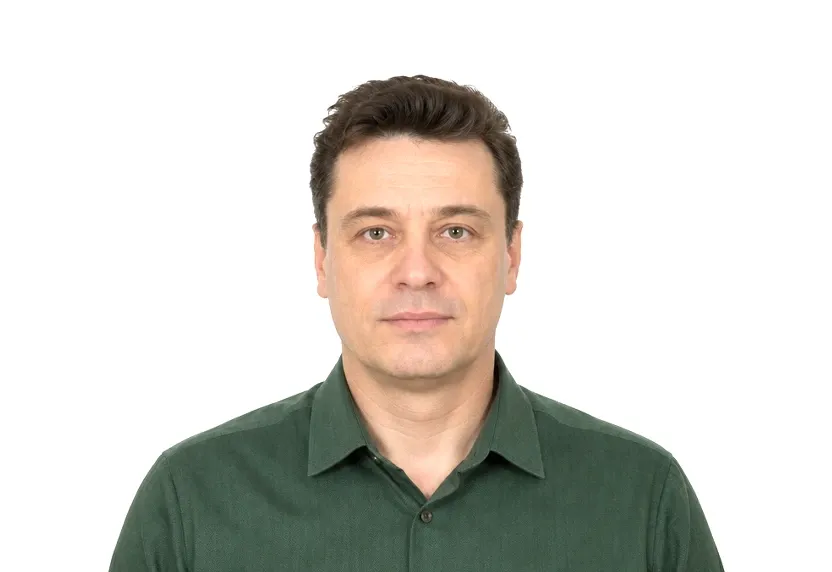
Russia photo requirements at a glance
Russia document photos
| Document | Printed size | Digital size | Background |
|---|---|---|---|
| Russia Visa Photo | 35 × 45 mm | 413 × 531 px | White |
About photo requirements in Russia
Russian visa photos use the 35×45mm print standard, full face on a plain background, as required with the visa application.
The Russian page below shows the size, background and framing rules with the official source cited. The studio produces a file cut to the standard.
How to take Russia document photos with your phone
Photo size and background
On this site, Russia appears with one document, the visa. It takes the standard 35×45 mm photo on white, the size most of the passport world already uses. No local size variation separates the Russian page from its neighbours.
Photo requirements
The rectangle is shared, and the review is strict. Head centred, plain background, frontal light, neutral face, and the person must not look like a different person.
Taking the photo
Stand at arm's length from the wall, let the window light fall flat on the face, keep the camera level with the eyes, and set the crop margins afterwards. The 35×45 mm frame fills the same way it does everywhere.
Why Russia document photos get rejected
Incorrect print size
A print trimmed off 35×45 mm fails before anything else is considered. The shape is checked before and after the other requirements.
Common rejection reasons
Shadows, gradients, off-white paint, and tilted heads are treated the same here as anywhere the rectangle is used.
Filters and retouching
Heavy filters and retouched files are unnamed on the page. They are caught in the review.
How it works
Photo tips
Take one good selfie — it works for every document type.