UK Passport & Visa Photos
We support 4 document photo types for United Kingdom. Pick your document, upload a selfie, get a compliant file in under a minute.

All 4 document types we support
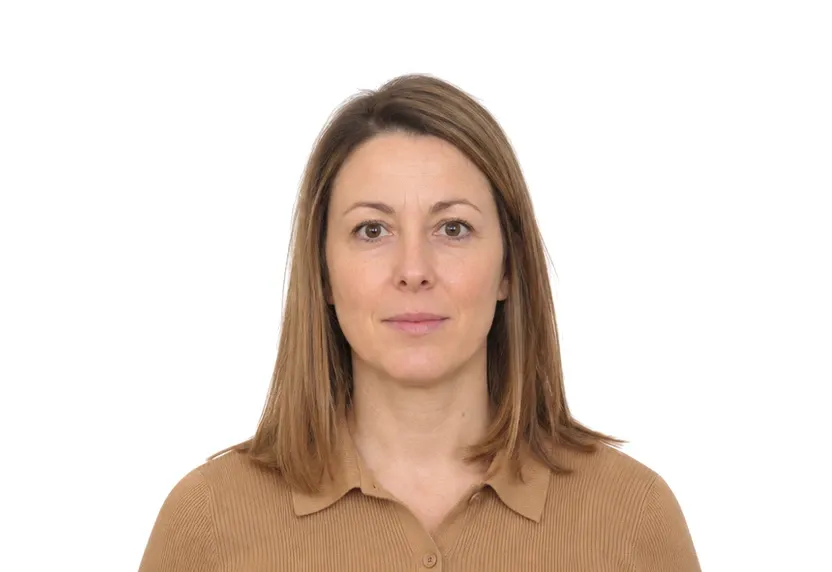

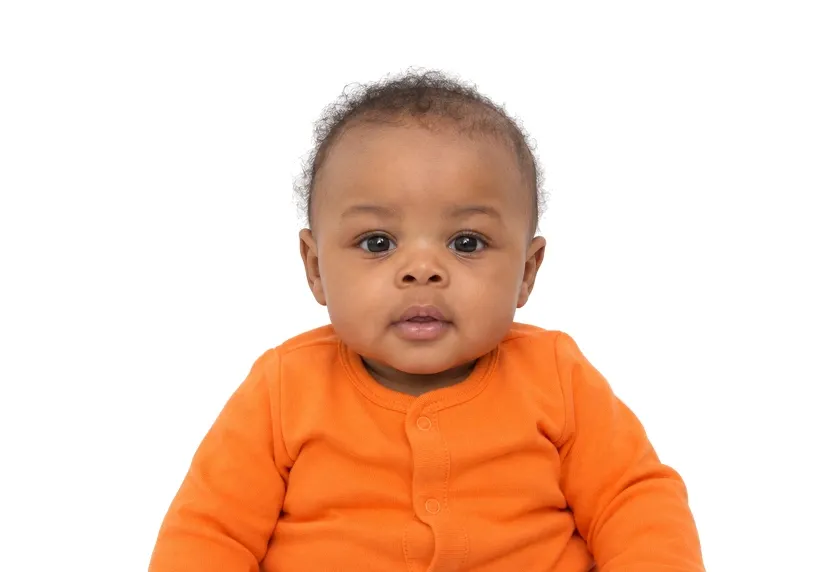
UK photo requirements at a glance
United Kingdom document photos
| Document | Printed size | Digital size | Background |
|---|---|---|---|
| UK Visa Photo | 35 × 45 mm | 413 × 531 px | White/Light grey |
| UK Passport Photo | 35 × 45 mm | 413 × 531 px | White/Light grey |
| UK Online Visa Photo | — | 600 × 750 px | White |
| UK Baby Passport Photo | 35 × 45 mm | 413 × 531 px | Cream/Light grey |
About photo requirements in United Kingdom
United Kingdom applications share one photo guidance across visa and passport routes: 35×45mm prints on a plain light background, taken within the last month. The online visa application takes a digital photo of at least 600×750 pixels in portrait 4:5 instead, uploaded directly to the form.
All three UK document pages appear below with their sizes and upload rules. The studio prepares the right file for the route you apply through.
How to take United Kingdom document photos with your phone
One format for UK document photos
UK passport, visa and online upload photos all use the same print format: 35×45 mm, with the head measuring 29-34 mm from crown to chin. That shared geometry means one correctly framed photo can be used for the whole set.
Background colour and lighting
White or light grey both pass if the surface is uniform and shadow-free. A gradient of window light across the wall is the fault UK checkers catch most. The presets on this site even out the tone at download.
Paper and online submission
Paper applications print at 300 dpi. Online applications upload a digital file of at least 600×750 px, which any current phone produces. The human checks on lighting and head angle still apply.
Why United Kingdom document photos get rejected
The three measured faults
The measured faults are a wrong rectangle, a head outside 29-34 mm, and a face that is tilted or turned. A template catches these, and they apply identically across every UK document type.
Problem backgrounds
These backgrounds return: patterned walls, shadows behind the head, and hotspots from flash. Uniformity matters more than the exact shade; a plain wall with a visible seam still fails.
Freshness and glasses
UK passport photos must be taken within the last month, and visa photos should be just as fresh. Glasses are best removed. If glasses stay on, the eyes must be clear of glare and frames.
How it works
Photo tips
Take one good selfie — it works for every document type.