Türkiye Passport & Visa Photos
We support 1 document photo type for Türkiye. Pick your document, upload a selfie, get a compliant file in under a minute.

All 1 document type we support
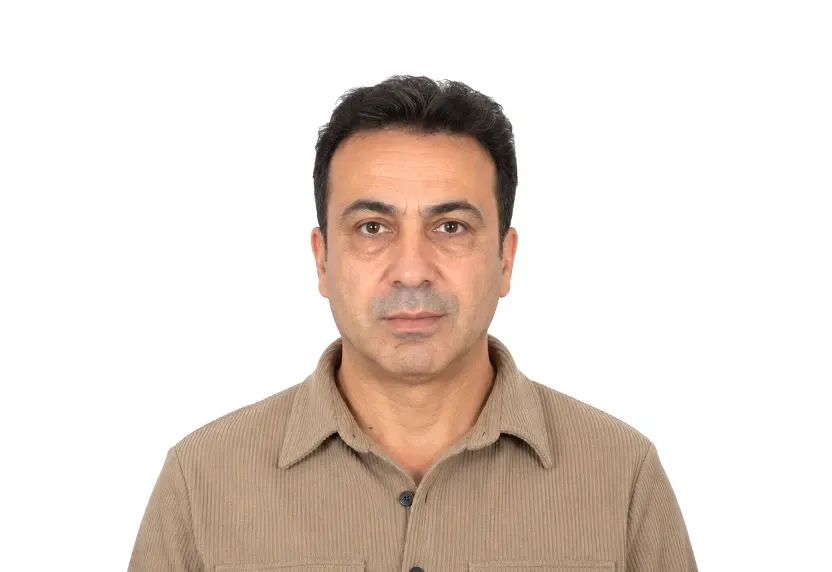
Türkiye photo requirements at a glance
Türkiye document photos
| Document | Printed size | Digital size | Background |
|---|---|---|---|
| Turkey Visa Photo | 50 × 60 mm | 591 × 709 px | White |
About photo requirements in Türkiye
Turkish visa photos use the larger 50×60mm format, on a plain background with the face centred and clearly visible.
The Turkish document page below carries the size and framing rules with the official source cited. The studio cuts your photo to the 50×60mm standard.
How to take Türkiye document photos with your phone
The fifty-by-sixty print
Turkey's visa photo is a 50×60 mm rectangle on a white background. This is taller than the Schengen format. It is the only Turkish document here.
Framing requirements
A centred head with clear margins top and sides, plain background, frontal light. The extra height allows a little headroom but not a tight crop.
Shooting it
Plain wall, daylight, phone at eye level. Leave generous space above the hair; the crop determines the geometry.
Why Türkiye document photos get rejected
Off 50×60 mm
A 35×45 mm print from the Schengen format is too short for this format. The shape is incorrect before the face is considered.
Background faults
Shadows, gradients, off-white walls: faults here exactly as in the smaller formats.
After the shape
Tilted heads, glare, and heavy filters are unnamed faults caught during review.
How it works
Photo tips
Take one good selfie — it works for every document type.