US Passport & Visa Photos
We support 9 document photo types for United States. Pick your document, upload a selfie, get a compliant file in under a minute.

All 9 document types we support

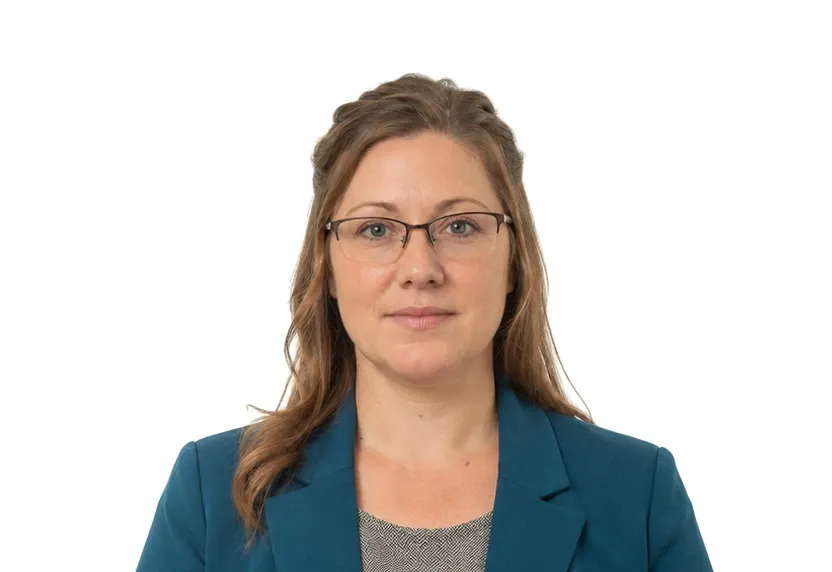
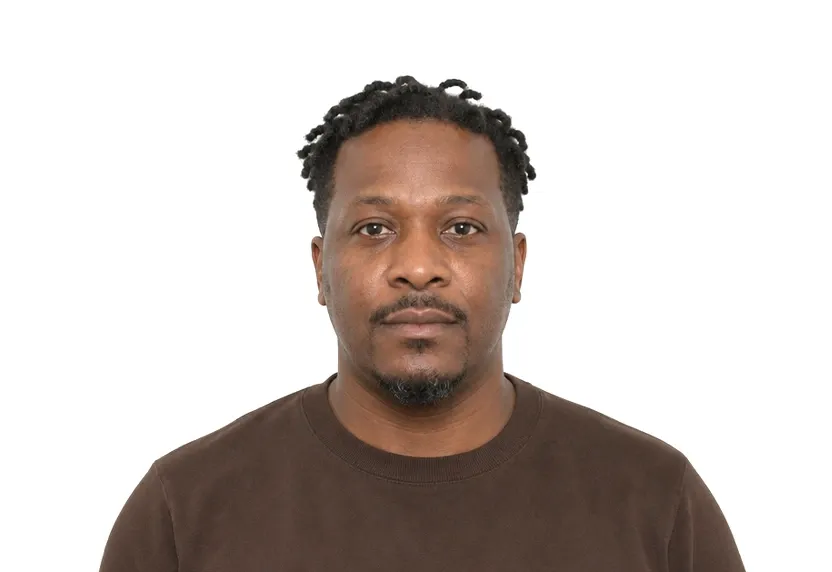
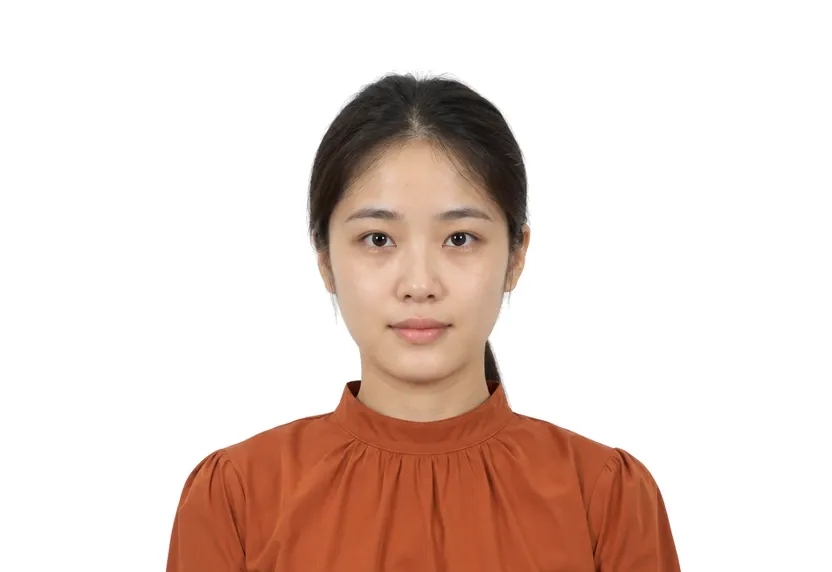
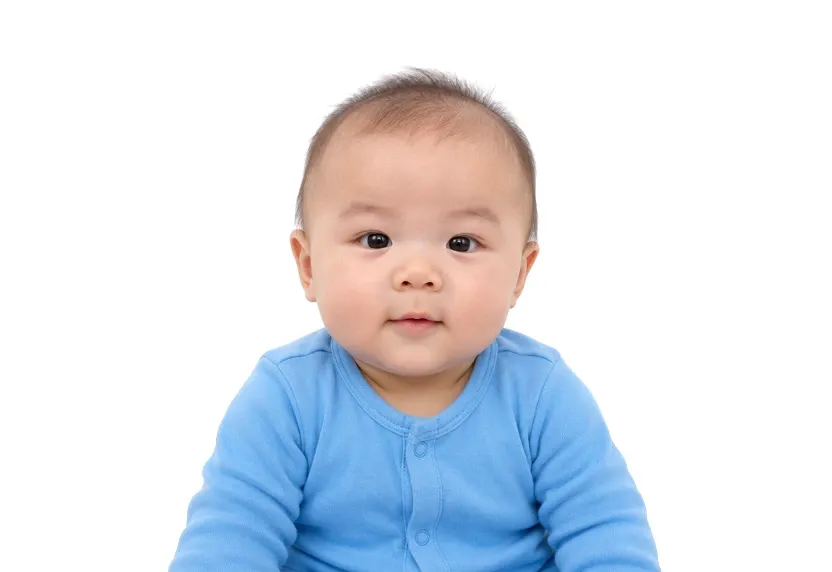
US photo requirements at a glance
United States document photos
| Document | Printed size | Digital size | Background |
|---|---|---|---|
| US Visa Photo | 51 × 51 mm | 602 × 602 px | White |
| US Passport Photo | 51 × 51 mm | 602 × 602 px | White |
| US Green Card Photo | 51 × 51 mm | 602 × 602 px | White |
| USCIS Citizenship Photo | 51 × 51 mm | 602 × 602 px | White |
| EAD Work Permit Photo | 51 × 51 mm | 602 × 602 px | White |
| US Online Visa Photo | — | 600 × 600 px | White |
| SAT ID Photo | 35 × 45 mm | 413 × 531 px | White |
| US Passport Card Photo | 51 × 51 mm | 602 × 602 px | Plain white or off-white |
| US Baby Passport Photo | 51 × 51 mm | 602 × 602 px | White |
About photo requirements in United States
US immigration documents run on the 2×2 inch square, 51×51mm: passports, visas, green cards, USCIS submissions and EAD cards all use it, with the head between 1 and 1-3/8 inches from chin to crown. Online submissions such as the DV program take a 600×600 pixel JPEG of 240kB or less instead.
All six US document pages appear below with their sizes and upload rules. The studio prepares the right file for the document and channel you select.
How to take United States document photos with your phone
Photo format for most US documents
Most US document photos on this site use one format: a 2×2 inch (51×51 mm) square on plain white, with the head between 25-35 mm from crown to chin. Passport, visa, green card, citizenship and work-permit cards all use that square, so one correctly framed session works across the set.
SAT ID photo exception
One member breaks the pattern: the SAT ID photo uses the 35×45 mm rectangle instead. Before shooting, check the document page you actually hold.
Digital file requirements
The online forms have file requirements: DS-160 and several upload channels take a 600×600 px digital version, the DV lottery wants its JPEG under 240 KB, and every digital route rejects files that editing software has touched.
Shared photo rules
White background, frontal light, neutral expression, glasses off unless a signed medical note says otherwise, and photos from the last 6 months. Retouching is named as unacceptable on the stricter documents, and reviewers for these documents treat filters the same way.
Why United States document photos get rejected
Measurement faults
A rectangle squeezed into a square, a head outside 25-35 mm, or eyes in the wrong band: every US office measures these against a template, regardless of the document.
Background faults
Off-white walls, gradients and shadows read as patterned backgrounds at every US counter. Plain wall plus frontal daylight removes the entire class before the tool flattens the tone.
Common rejection reasons
Photos older than the freshness window, glasses left on, tilted heads, or files run through a smoothing app are rejected by every US document type.
How it works
Photo tips
Take one good selfie — it works for every document type.