LinkedIn Profile Photo
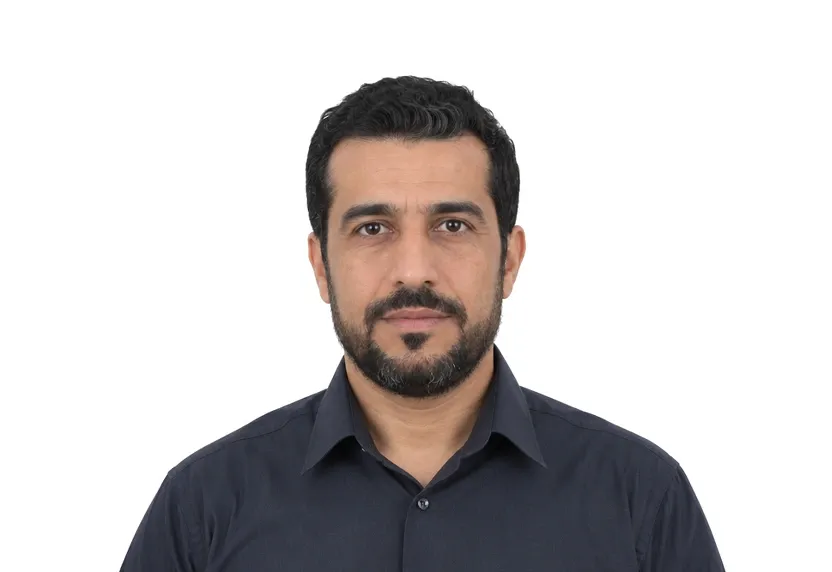
LinkedIn professional headshot. 400×400px square. Remove the background and get a professional business profile photo.
- Digital size
- 400 × 400 px
- Background
- Any
Size & specifications
LinkedIn Profile Photo — requirements
| Printed size | — |
|---|---|
| Digital size | 400 × 400 px |
| Head height | — |
| Background | Any |
| Resolution | ≥ 300 DPI |
| Recency | — |
| Glasses / expression | — · — |
| Digital format | — |
One upload, two deliveries: the pixel-exact digital file and a 300 dpi print-ready sheet.
What each line means
Digital size — the digital file must measure 400 × 400 px. Anything smaller gets refused by many online systems before a person sees it.
Background — a plain Any background, with no shadows or gradients. A wall lit unevenly is the fastest route to a refusal.
Resolution — 300 dpi keeps a face sharp in print. Below that, features soften and agencies ask for a retake.
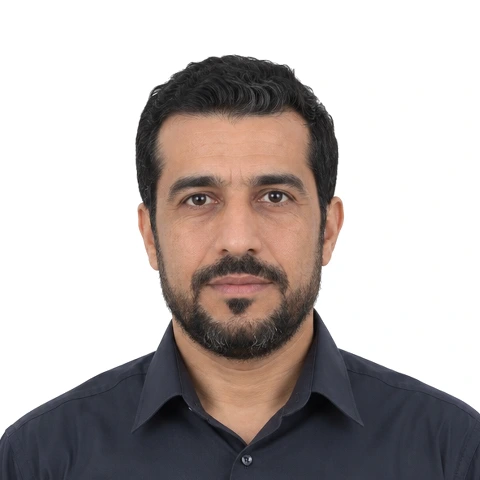
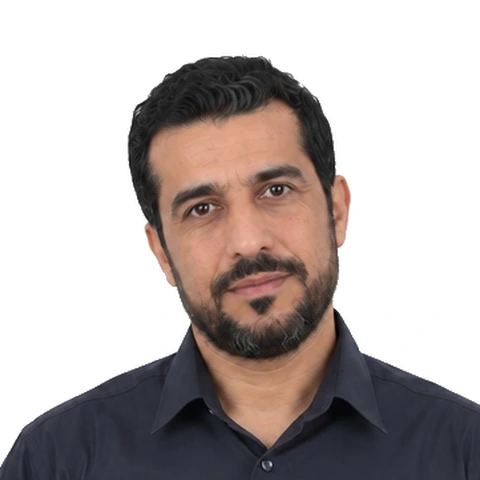
Photo examples
What passes — and what gets rejected.
How to take a LinkedIn Profile Photo with your phone
No form or compliance band for LinkedIn
The LinkedIn photo has no regulation to satisfy — no head band, no mandated background, no rejection desk. It is the one page on this site where the question is whether the photo works: the photo is read by recruiters in a fraction of a second, before any word of the profile.
What reads well in a LinkedIn photo
A square 400×400 crop with the face filling a generous share, plain light behind — light grey, soft white, a blurred wall all outperform a busy office. Keep the eyes on the lens. Profiles with direct eye contact read as more open in the fraction of a second.
Setup and lighting
Window light at an angle to the face, camera at eye level, a step or two back from the glass. The tool crops the square, evens the light and keeps the face the centre of the frame.
What this page outputs
The preset crops to a 400×400 square with the face centred and the light evened, ready to upload as the profile photo LinkedIn shows beside every post and message.
Why LinkedIn Profile Photo gets rejected
Selfie geometry
A close arm's-length selfie distorts the face: the nose near, the ears far. It reads as casual in a context that asks for a considered photo. Hand the phone to someone or prop it, and take two steps back.
Busy backgrounds
Offices, shelves and windows full of light compete with the face for the fraction of a second a viewer spends. A plain wall or a deep blur keeps the attention on the face.
Common photo faults
Harsh flash, half-shadowed faces, holiday crops with companions do not trigger form rejections on this page. They are quiet reasons a profile scrolls past.
How it works
Photo tips
Frequently asked questions
What size is a LinkedIn Profile Photo?
The standard size is 400 × 400 px (400 × 400 px at 300 DPI). The tool crops and scales your photo to exact requirements automatically.
Can I smile in the photo?
Requirements call for: a natural expression. When in doubt, keep a neutral face with both eyes open.
How recent must the photo be?
Old photos are a common rejection reason.
Is my photo private?
Yes. Uploaded photos are encrypted in transit and automatically deleted within 24 hours. We never share or resell uploads.
Does the background matter for LinkedIn?
The format allows any background, but plain light tones keep the focus on the face; the tool can replace a busy background with a clean one.
Can I take it with my phone?
Yes — a window, an eye-level phone and arm's-length distance or a stand cover it; the tool crops the exact square.