UK Passport Photo
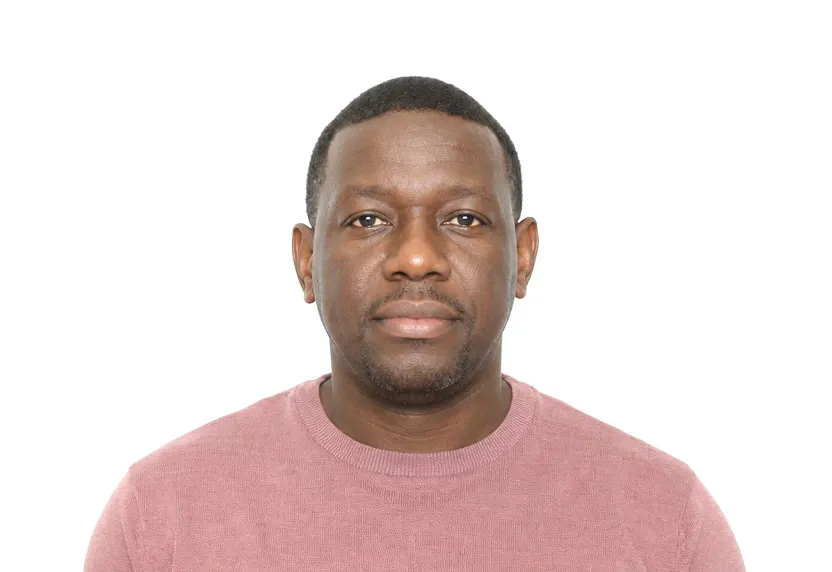
35×45mm photo for UK passport applications.
- Printed size
- 35 × 45 mm
- Digital size
- 413 × 531 px
- Background
- White/Light grey
- Head height
- 29-34mm
Size & specifications
UK Passport Photo — requirements
| Printed size | 35 × 45 mm |
|---|---|
| Digital size | 413 × 531 px |
| Head height | 29-34mm |
| Background | White/Light grey |
| Resolution | ≥ 300 DPI |
| Recency | — |
| Glasses / expression | — · — |
| Digital format | — |
One upload, two deliveries: the pixel-exact digital file and a 300 dpi print-ready sheet.
What each line means
Printed size — print at exactly 35 × 45 mm. A few millimetres off and most offices hand the form back before anything else is checked.
Digital size — the digital file must measure 413 × 531 px. Anything smaller gets refused by many online systems before a person sees it.
Head height — your head, crown to chin, should span 29-34mm. Too small reads distant; too large and the crop will not fit.
Background — a plain White/Light grey background, with no shadows or gradients. A wall lit unevenly is the fastest route to a refusal.
Resolution — 300 dpi keeps a face sharp in print. Below that, features soften and agencies ask for a retake.
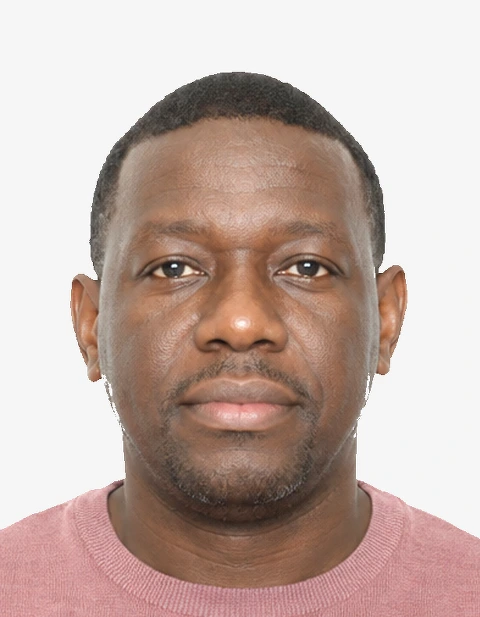
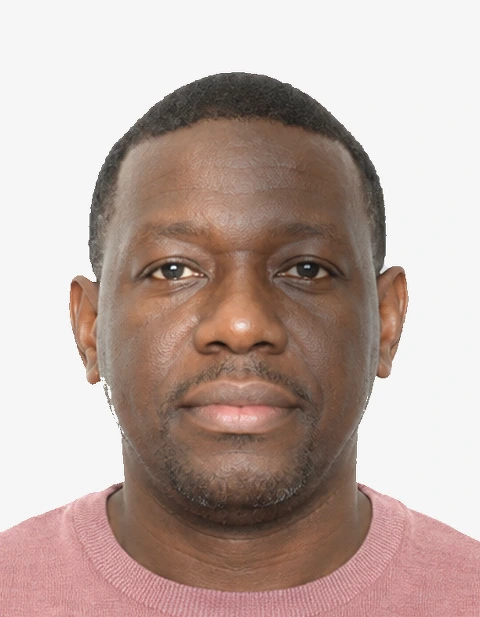
Photo examples
What passes — and what gets rejected.
How to take a UK Passport Photo with your phone
UK passport photo size and background
The UK passport photo is 35×45 mm with the head, crown to chin, between 29-34 mm. White or light grey both work as a background provided the surface is plain, evenly lit and shadow-free; the preset here flattens it at download. Frame at eye level, half a metre from the wall, with headroom above the hair.
Digital and print applications
You upload a digital photo for an online application, taken in the last month; the same shot prints for a paper application. Have someone else hold the camera at eye level. A selfie has a slight downward angle, which is a defect because it changes the head proportions the reviewer measures.
Lighting, glasses and expression
Front daylight keeps the face evenly exposed and the wall clear of gradients. Use a neutral expression, eyes on the lens, and no headwear. Take your glasses off unless you have a medical reason to keep them on; if they stay, the eyes must show clear of frame, glare and reflection.
Preset cropping and background check
The tool crops to the exact 35×45 mm rectangle at 300 dpi and evens the background out. Before download it checks the ratio, the background and the head position against the 29-34 mm band.
Why UK Passport Photo gets rejected
Failing measurements
Outside 35×45 mm, head outside 29-34 mm, face tilted or turned away from the camera: these are the three a reviewer checks with a template. A photo taken from above or below eye level distorts the head shape enough to land in this bracket too.
Background faults
A patterned backdrop, a shadow behind the head, a wall with a gradient of window light across it. A plain background must be uniform; anything that shows a shape or a line reads as a patterned background and comes back.
Other reasons for rejection
Glare on glasses and red-eye follow the obvious faults. Photos older than a month do not pass the requirement either; the freshness window is part of the standard, and staff apply it.
How it works
Photo tips
Frequently asked questions
What size is a UK Passport Photo?
The standard size is 35 × 45 mm (413 × 531 px at 300 DPI). The tool crops and scales your photo to exact requirements automatically.
Can I smile in the photo?
Requirements call for: a natural expression. When in doubt, keep a neutral face with both eyes open.
How recent must the photo be?
Old photos are a common rejection reason.
Is my photo private?
Yes. Uploaded photos are encrypted in transit and automatically deleted within 24 hours. We never share or resell uploads.
Phone or photo booth?
A phone is enough. Half a metre from a plain wall, even light, eye-level camera; the tool crops and flattens the background.
White or light grey background?
Both are accepted; what matters is that the background is plain, evenly lit and free of shadows.